
Vector vs Raster: Which One Works Best for Embroidery in the USA
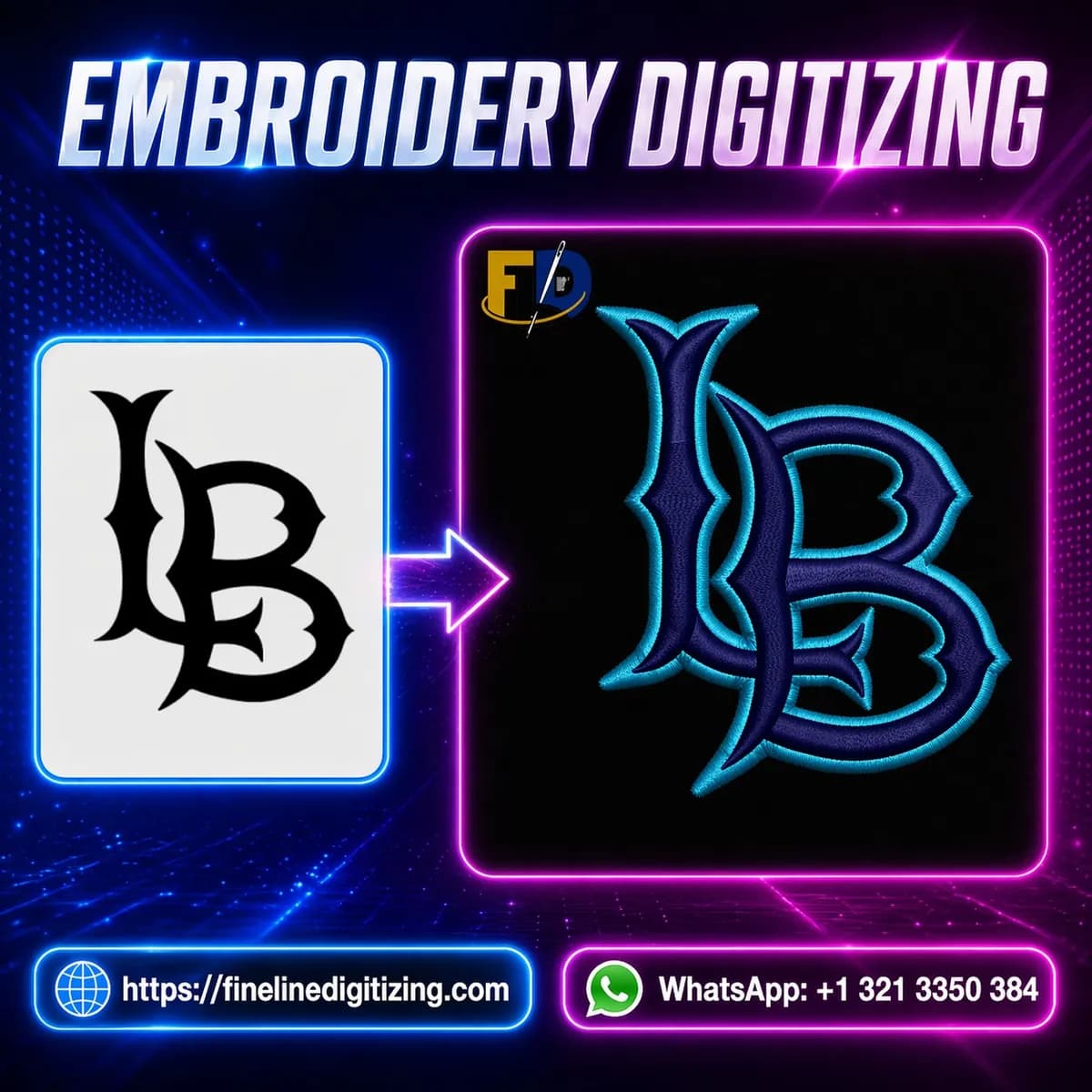
When people enter the embroidery world, one question comes up again and again: which artwork file works better for embroidery projects? The debate around vector vs raster for embroidery matters more than many beginners think. A clean design can save hours of editing, while a blurry file can turn a simple logo into a stitching nightmare. In fact, understanding vector vs raster for embroidery is one of the first steps toward getting better embroidery results.
Many embroidery shops in the USA receive logos copied from websites, screenshots from social media, or blurry phone photos. Sadly, those files often create stitching issues. I once worked with a small business owner who sent a tiny JPG logo pulled from Facebook. The logo looked fine on the screen, but when stitched onto caps, the edges became rough and the text almost disappeared. After converting the image into vector art, the embroidery looked much cleaner.
This guide explains the difference between vector and raster files in simple terms. It also shows which file type works best before digitizing.
Understand Vector vs Raster for Embroidery Before Digitizing
To understand embroidery artwork, you first need to know how these file types are built.
Vector files use lines, curves, and shapes created mathematically. Common vector formats include AI, EPS, PDF, and SVG. Because vectors are shape-based, they stay sharp no matter how much you resize them. That is why a vector file for digitizing is often preferred by professional digitizers.
Raster files work differently. They are made from pixels. JPG, PNG, GIF, and BMP are common raster formats. When you enlarge a raster image, the pixels stretch and the image becomes blurry. That drop in raster image quality creates trouble during embroidery digitizing.
Although both file types can be used, vector artwork usually gives better results for embroidery work.
Why Vector Files Make Embroidery Easier
Embroidery digitizing software reads shapes, outlines, and details from artwork. Clean lines help digitizers place stitches more accurately. Therefore, vector files reduce editing time and improve stitch quality.
One major reason digitizers prefer vectors is scalability. A logo may look good on a business card today, but tomorrow the same logo might go on a jacket back or a cap front. With vectors, resizing does not damage the artwork.
There are several vector file benefits for embroidery:
- Sharp outlines
- Cleaner text
- Better stitch paths
- Faster editing
- Easier color separation
Additionally, vector files help avoid unnecessary thread trims and broken stitches. That means smoother production on embroidery machines.
Many professionals also agree that the best artwork type for digitizing is vector art because it gives more control over stitch placement.
Learn the Common Problems with Raster Images
Raster files are not always bad. In fact, high-quality PNG files can work for simple designs. However, low-resolution images create many headaches during embroidery preparation.
Some common raster image problems in digitizing include:
- Blurry outlines
- Jagged edges
- Missing small details
- Poor text visibility
- Extra cleanup work
Imagine trying to trace a logo from a grainy screenshot. The software cannot clearly identify the edges, so the digitizer must redraw parts manually. That takes more time and may increase the project cost.
Moreover, embroidery machines do not “fix” bad artwork automatically. If the original image looks messy, the embroidery often looks messy too.
Compare AI EPS vs JPG for Embroidery Projects
Many customers ask about AI EPS vs JPG for embroidery because they are unsure which format to send. The answer depends on the quality and purpose of the file.
AI and EPS files are vector formats created in programs like Adobe Illustrator. These files usually contain editable paths and sharp artwork. Digitizers can easily adjust shapes, resize logos, and separate colors.
JPG files are raster images. While they are easy to share online, they lose quality when resized or compressed. A JPG from a website often lacks the detail needed for clean embroidery.
Here is a simple comparison:
|
File Type |
Quality When Resized |
Best Use |
|---|---|---|
|
AI |
Stays sharp |
Professional logos |
|
EPS |
Stays sharp |
Commercial embroidery |
|
PDF Vector |
Stays sharp |
Print and embroidery |
|
JPG |
Becomes blurry |
Basic previews |
|
PNG |
Better than JPG |
Simple artwork |
For most embroidery jobs, AI or EPS files are the safer option.
Use High Resolution Artwork for Better Results
Sometimes clients do not have vector files available. In those cases, a clean raster image with high resolution can still help.
Using high resolution artwork for embroidery reduces editing problems. A large PNG file with clear edges works much better than a tiny screenshot copied from a website.
If you must send a raster file, try these tips:
- Use at least 300 DPI
- Avoid screenshots
- Keep backgrounds transparent if possible
- Send the original design file
- Avoid blurry social media downloads
A friend once sent me a restaurant logo pulled from Instagram. The image looked decent on a phone, but once zoomed in, the text turned into fuzzy blocks. We had to recreate the entire design before digitizing started. Since then, he always asks his designer for vector artwork first.
Convert Raster to Vector for Embroidery When Needed
Not every business has vector files ready. Fortunately, designers can convert raster to vector for embroidery using vector tracing software.
Programs like Adobe Illustrator and CorelDRAW allow artists to redraw logos into scalable vector shapes. Some automatic tracing tools exist, but manual cleanup often gives cleaner results.
During conversion, designers:
- Trace outlines carefully
- Clean rough edges
- Separate colors
- Fix distorted text
- Save the file as AI or EPS
This process creates artwork that is easier to digitize and stitch.
However, automatic tracing is not perfect. Poor-quality images may still need manual correction. Therefore, starting with clear artwork always saves time.
Choose the Best Artwork Format for Embroidery Shops
If you are wondering about the best artwork format for embroidery, vector files win in most situations. Professional embroidery shops across the USA often request AI, EPS, or vector PDF files before digitizing begins.
These formats work well because they:
- Keep artwork clean
- Allow easy resizing
- Improve stitch accuracy
- Save production time
- Reduce digitizing edits
Raster files can still work for simple projects, especially when the image is large and sharp. Still, vectors remain the better long-term option for logos and branding.
Businesses that frequently order embroidered uniforms, hats, or jackets should always keep a vector copy of their logo ready.
Which File Is Best for Logo Digitizing?
The answer to which file is best for logo digitizing depends on design quality, but vector files usually perform best. A clean AI or EPS file helps digitizers create smoother stitch files with less editing.
For example, cap embroidery needs accurate stitch paths because curved surfaces already make stitching harder. Clean vector artwork helps prevent gaps, uneven lettering, and thread breaks.
Additionally, small text logos benefit greatly from vectors. Tiny letters become difficult to read when digitized from blurry raster files.
If you plan to use your logo across multiple products, investing in proper vector artwork is a smart move.
Final Thoughts
Choosing between raster and vector artwork affects embroidery quality more than many people realize. While raster images may work for simple designs, vector files give cleaner results, easier editing, and better stitching overall.
Understanding vector vs raster for embroidery helps businesses avoid poor-quality embroidery and wasted production time. Vector artwork gives digitizers more control, especially for logos, caps, uniforms, and detailed branding projects.
Before sending artwork to an embroidery shop, check your file type carefully. A clean vector logo today can save hours of frustration tomorrow.
FAQs
What is the best file type for embroidery digitizing?
AI and EPS vector files are usually the best because they stay sharp and allow easier editing during digitizing.
Can a JPG file be used for embroidery?
Yes, but the image should be high resolution and clear. Low-quality JPG files often create stitching problems.
Why do embroidery shops ask for vector artwork?
Vector files help digitizers create cleaner stitch paths, accurate outlines, and smoother embroidery results.